

本文介绍如何使用HTML5和JavaScript实现点击按钮复制指定文字的功能。核心在于通过document.execCommand('copy')命令执行复制操作,并需注意CSS中-webkit-user-select属性的设置以确保兼容性。
HTML5与JavaScript实现点击复制文字功能
本文分享了一个基于JavaScript和HTML5技术实现的点击复制文字按钮的具体案例,供读者参考学习。
效果展示如下图所示:
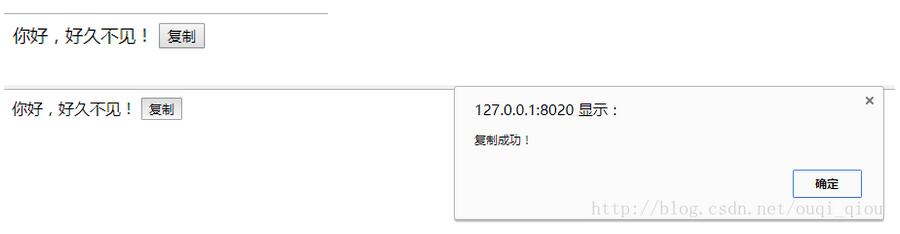
需要特别注意CSS样式中的设置,部分页面复制功能失效往往是因为遗漏了特定的CSS属性配置。
具体实现代码如下:
<!DOCTYPE html>
<html lang="en">

  <head>
    <meta charset="UTF-8">
    <title>Title</title>
  </head>

  <style type="text/css">
    *{
      -webkit-user-select: auto;
    }
  </style>

  <body>
    <span id="content">
      你好,好久不见!
    </span>
    <button id="copyBT">复制</button>
    <script>
      function copyArticle(event) {
        const range = document.createRange();
        range.selectNode(document.getElementById('content'));

        const selection = window.getSelection();
        if(selection.rangeCount > 0) selection.removeAllRanges();
        selection.addRange(range);
        document.execCommand('copy');
        alert("复制成功!");
      }

      document.getElementById('copyBT').addEventListener('click', copyArticle, false);
    </script>
  </body>

</html>
以上就是本文的全部内容,希望能为读者的学习提供有益的帮助,同时也欢迎大家继续支持本站。