

本文介绍TypeScript作为JavaScript超集的核心特性,涵盖全局安装与版本检查方法。详细解析字符串、数字、布尔值、数组、枚举、any及联合类型等基础类型,并说明类型断言与类型推断机制,帮助开发者快速掌握TS基础语法。
TYPESCRIPT
官网
github
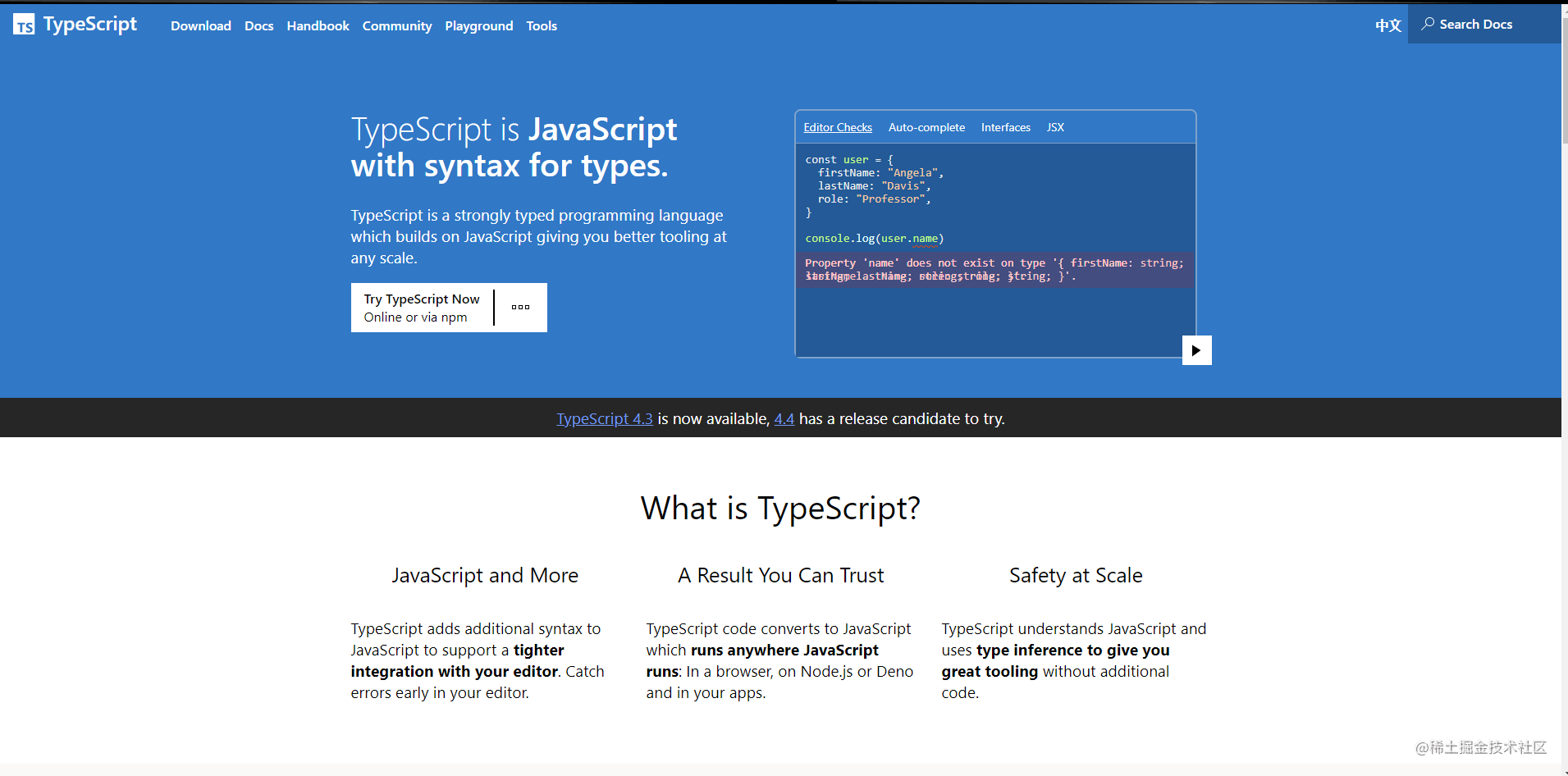
TypeScript是由微软推出的开源跨平台编程语言,作为JavaScript的超集,其最终会被编译为标准的JavaScript代码执行。
建议参考官网提供的“5分钟掌握TypeScript工具”指南。
安装 TypeScript
通过命令行执行以下命令,即可全局安装TypeScript:
npm install -g typescript
安装完成后,在控制台输入以下命令以验证安装是否成功:
tsc -V
第一个ts程序
新建文件 test1.js
const str:string ="hello world TS";
console.log(str)
代码编写完毕后,需使用 tsc 命令将ts编译为js,这会在同级目录下生成对应的js文件。
tsc test1.ts
执行 node test1.js
PS E:\mysjc\ts> node test1.js
hello world TS
PS E:\mysjc\ts>
至此你已入门ts,回顾ts与js的区别,可以发现ts引入了类型概念。那么什么是类型?又包含哪些类型呢?
- 类型是一组关键字,用于声明标识符的基本数据类型或者抽象数据结构类型
- 类型决定了内存到底要存什么样的数据
基础类型
type
string
使用单引号 ’ 或双引号 " 来表示字符串类型。反引号 ` 来定义多行文本和内嵌表达式
const str1: string = "hello world";
const str2: string = 'ts';
const str3: string = `年少不知富婆好,${ str1 } ${ str2 } `;
number
const num1: number = 3;// 十进制
const num2: number = 3.3;
const num3: number = 3.333;
const num4: number = 0b11;// 二进制
const num5: number = 0o12;// 八进制
const num6: number = 0xa; // 十六进制
boolean
逻辑值:true 和 false
const bol1: boolean=false;
const bol2: boolean=true;
数组
- 元素类型后面接上[]
- Array<元素类型>
const list1: number[]=[1,2,3]; // 可以试试 list1[0]='2',会发生什么。
const list2: Array<number>=[1,2,3];
枚举
enums
enum Animal {
    Dog,
    Cat,
    Pig
  }
  let zhangsan: Animal = Animal.Dog
  console.log(zhangsan, Animal.Cat, Animal.Pig) ;// 0 1 2
输出0,1,2,我想让张三变成狗,可以直接赋值,这下张三就成真的狗了。
  enum Animal {
    Dog="狗",
    Cat="猫",
    Pig="猪"
  }
  let zhangsan: Animal = Animal.Dog
  console.log(zhangsan, Animal.Cat, Animal.Pig) ;// 狗 猫 猪
any
可以是任意类型
let a: any = [1,undefined,null,'string',true,false];
a[0]='s';
console.log(a); //[ 's', undefined, null, 'string', true, false ]
let b: any=1;
b='wc';
b=null;
console.log(b); //null
object
参数就是 object 类型
// The parameter's type annotation is an object type
function printCoord(pt: { x: number; y: number }) {
    console.log("The coordinate's x value is " + pt.x);
    console.log("The coordinate's y value is " + pt.y);
}
printCoord({ x: 3, y: 7 });
object 类型还可以指定属性是否可选
function printName(obj: { first: string; last?: string }) {
    console.log(`${obj.first}-${obj.last}`);
}
printName({ first: "Bob" }); //Bob-undefined
printName({ first: "Alice", last: "Alisson" }); //Alice-Alisson
如果可选参数不传递,获得的值 undefined,在使用之前进行检查即可。
function printName(obj: { first: string; last?: string }) {
    // obj.last.toUpperCase(); // TypeError: Cannot read property 'toUpperCase' of undefined
    if (obj.last !== undefined) {
        console.log("if", obj.last.toUpperCase());
    }
    console.log(obj.last?.toUpperCase());
}
printName({ first: "Bob" }); // undefined
/**
 * if AA
 * AA
 */
printName({ first: "Bob", last: "aa" });
Union 联合类型
联合类型是由两个或多个其他类型组成的类型
/**
 *
 * @param id 类型只能传递 number 或者 string
 */
function work(id: number | string) {
    console.log("上班:" + id);
}
work(101);//上班:101
work("202");//  上班:202
//  work(false);
如果联合的每个成员都有效,便可以做一些有意思的事情
/**
 * @param id 类型只能传递 number 或者 string
 */
function work(id: number | string) {
    const salary: number = 300;
    if (typeof id === "string") {
        console.log(`${id}上班,可获得薪水$${salary}`);
    } else {
        console.log(`${id}上班,可获得薪水$${salary * 2}`);
    }
}
work(101); //101上班,可获得薪水$600
work("202"); //202上班,可获得薪水$300
Type Assertions 类型断言
类型断言好比其它语言里的类型转换,但是不进行特殊的数据检查和解构。 它没有运行时的影响,只是在编译阶段起作用
- <类型>值
- 值 as 类型
console.log(1 as string)
console.log(<string>1 )
类型推断
TS会在没有明确的指定类型的时候推测出一个类型
- 定义变量时赋值了, 推断为对应的类型
- 定义变量时没有赋值, 推断为any类型
let a = 1;
a = '11';//不能将类型“string”分配给类型“number”
let b;
b = 1;
b = '1';
b = null;
以上就是前端开发TypeScript入门基础教程的详细内容,更多关于TypeScript入门基础的资料请关注本站其它相关文章!