

本文介绍如何使用JavaScript实现页面滚动时导航栏的自动高亮定位以及点击导航平滑跳转至对应模块的功能。通过监听window滚动事件,反向遍历模块计算偏移量实现高亮;利用animate方法实现点击后的平滑滚动效果。
滚动监听与导航高亮实现
在常见的Web页面开发中,经常遇到这样的需求:页面包含多个内容模块,每个模块对应一个导航项。当用户滚动页面并进入某个模块区域时,需要自动为该模块对应的导航项添加特定的CSS类,以标识当前浏览的区域。
页面的基础HTML结构大致如下:
<div class="container">
  <div class="wrapper">
    <div class="section" id="section1">section1</div>
    <div class="section" id="section2">section2</div>
    <div class="section" id="section3">section3</div>
    <div class="section" id="section4">section4</div>
    <div class="section" id="section5">section5</div>
  </div>
  <nav>
    <a href="#section1" rel="external nofollow" class="current">section1</a>
    <a href="#section2" rel="external nofollow" >section2</a>
    <a href="#section3" rel="external nofollow" >section3</a>
    <a href="#section4" rel="external nofollow" >section4</a>
    <a href="#section5" rel="external nofollow" >section5</a>
  </nav>
</div>
页面滚动时导航定位
实现该功能的JavaScript代码如下:
var $navs = $('nav a'),          // 导航
  $sections = $('.section'),       // 模块
  $window = $(window),
  navLength = $navs.length - 1;

$window.on('scroll', function() {
  var scrollTop = $window.scrollTop(),
    len = navLength;

  for (; len > -1; len--) {
    var that = $sections.eq(len);
    if (scrollTop >= that.offset().top) {
       $navs.removeClass('current').eq(len).addClass('current');
       break;
    }
  }
});
运行效果如下:
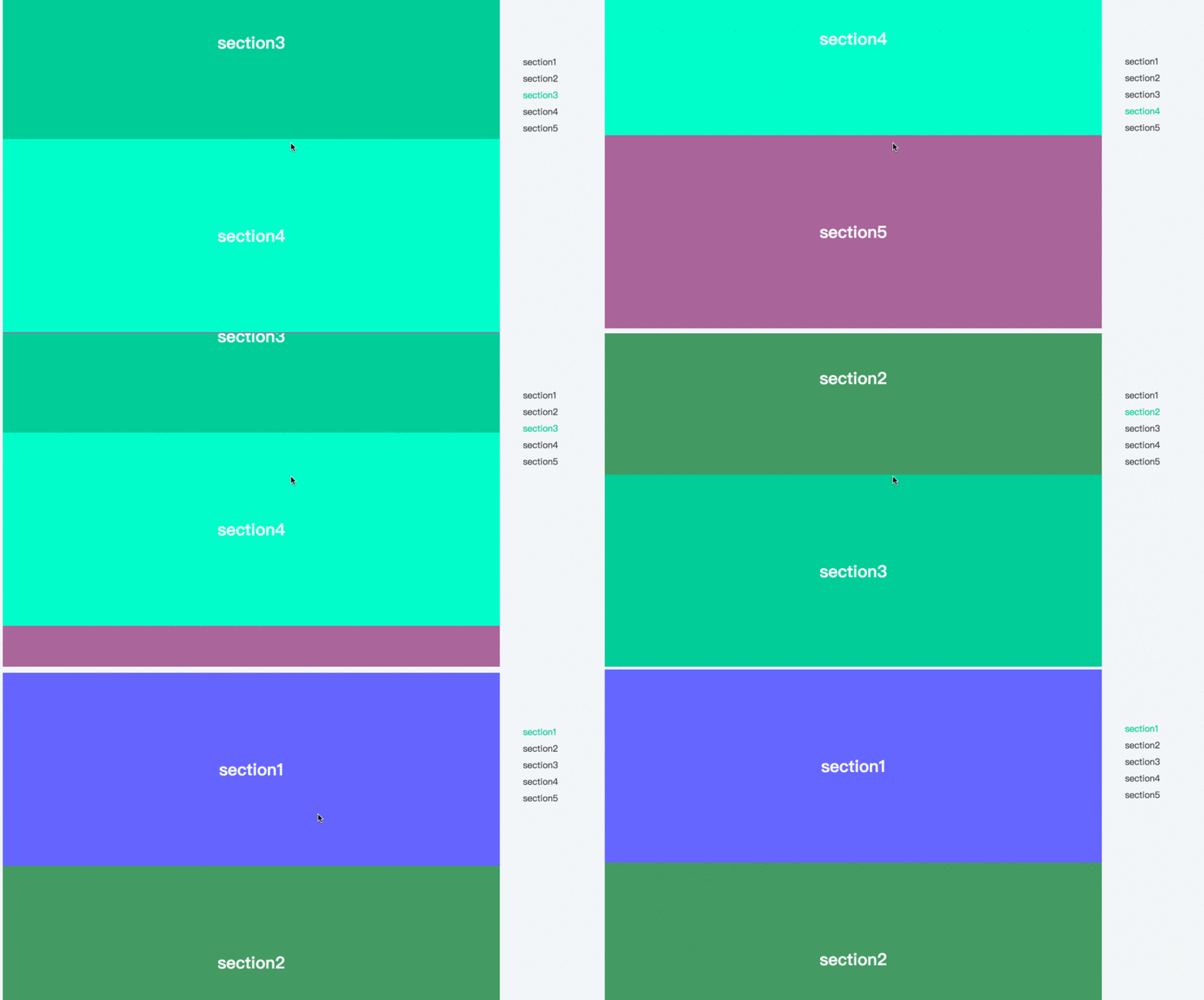
其核心原理是监听window对象的滚动事件,从后向前依次遍历各个内容模块。判断当前窗口的滚动高度是否大于或等于该模块距离页面顶部的偏移量,若满足条件,则将对应导航项设为高亮状态,并终止遍历。
点击导航平滑跳转功能
点击导航定位页面
除了滚动监听高亮外,另一种常见需求是:用户点击导航项时,页面应平滑滚动至该导航所对应的模块顶部。
实现点击跳转的代码如下:
$navs.on('click', function(e) {
  e.preventDefault();
  $('html, body').animate({
    'scrollTop': $($(this).attr('href')).offset().top
  }, 400);
});
点击跳转效果如下:
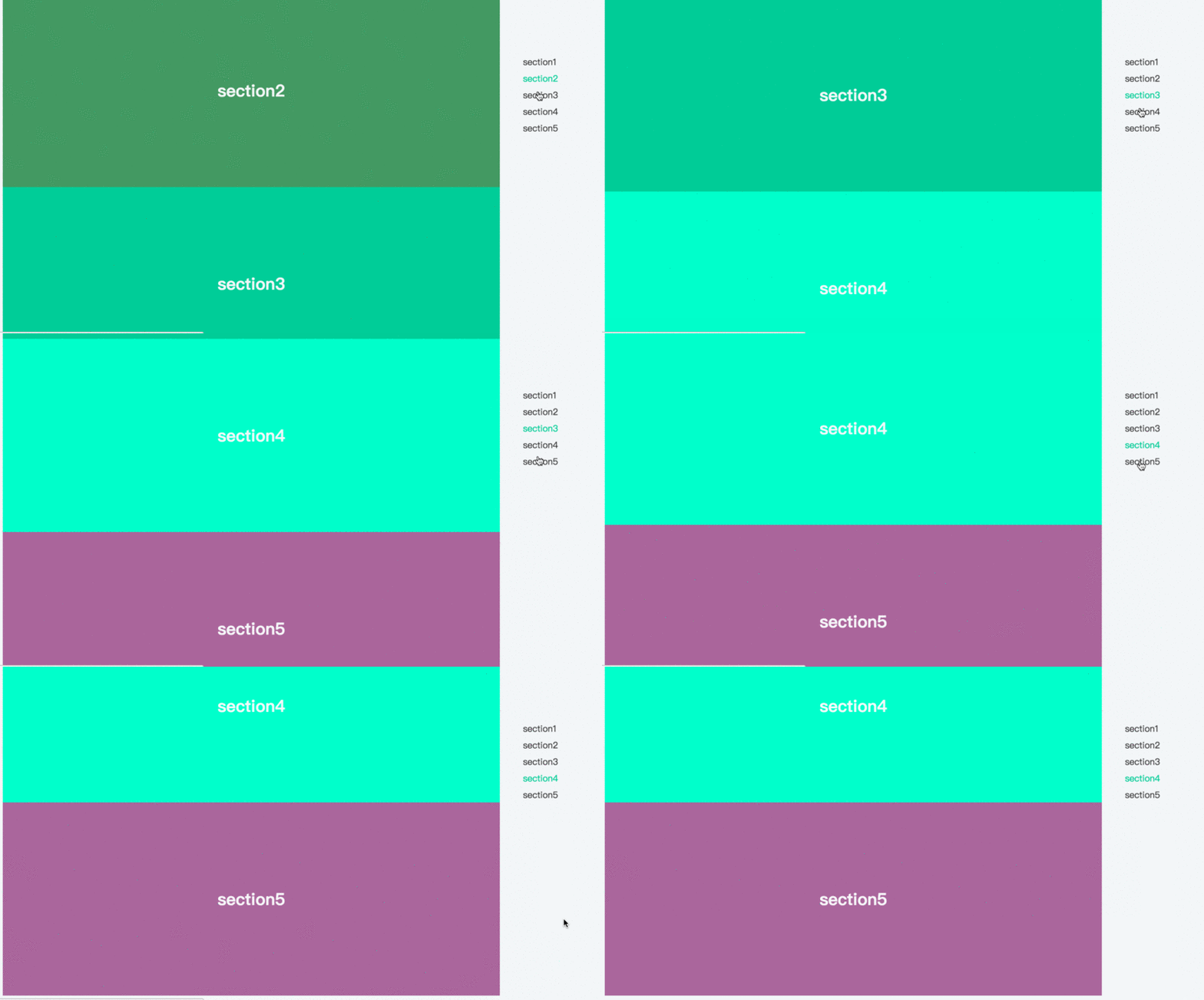
上述方案基本满足了业务中对导航定位与跳转的需求。这是基于实际工作场景总结的经验,希望对各位的学习有所帮助,也欢迎大家继续支持本站。