

本文介绍在纯前端环境下,利用 pdfjs 插件将 PDF 文件转换为图片并绘制到 Canvas 的方法。针对移动端 iframe 预览兼容性问题,提供下载 PDF 后转为图片的替代思路。文章涵盖插件安装、源码示例及跨域问题的处理方案,包括后台返回 Base64 格式数据的备用策略。
需求来源
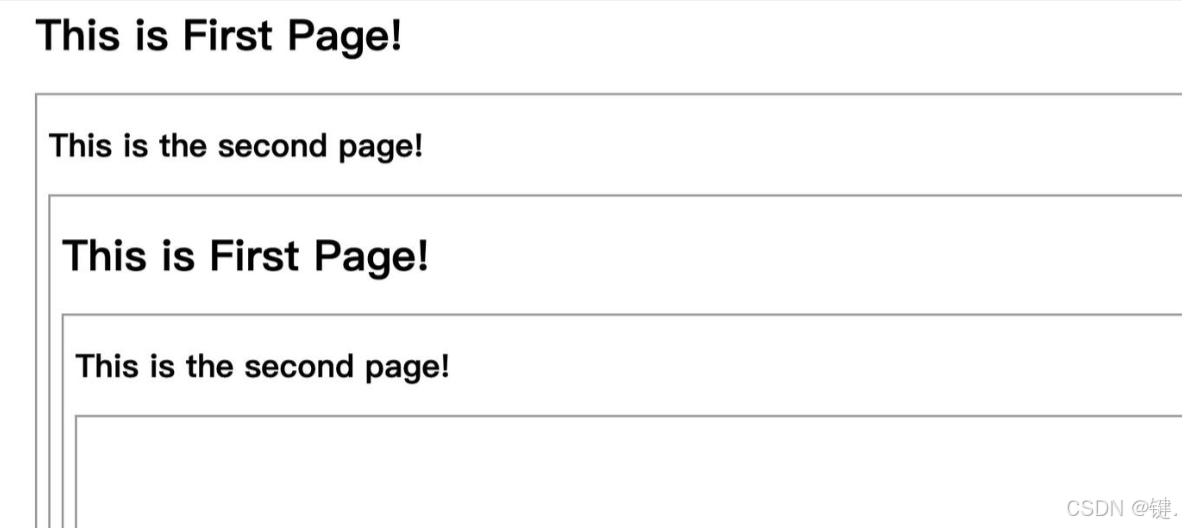
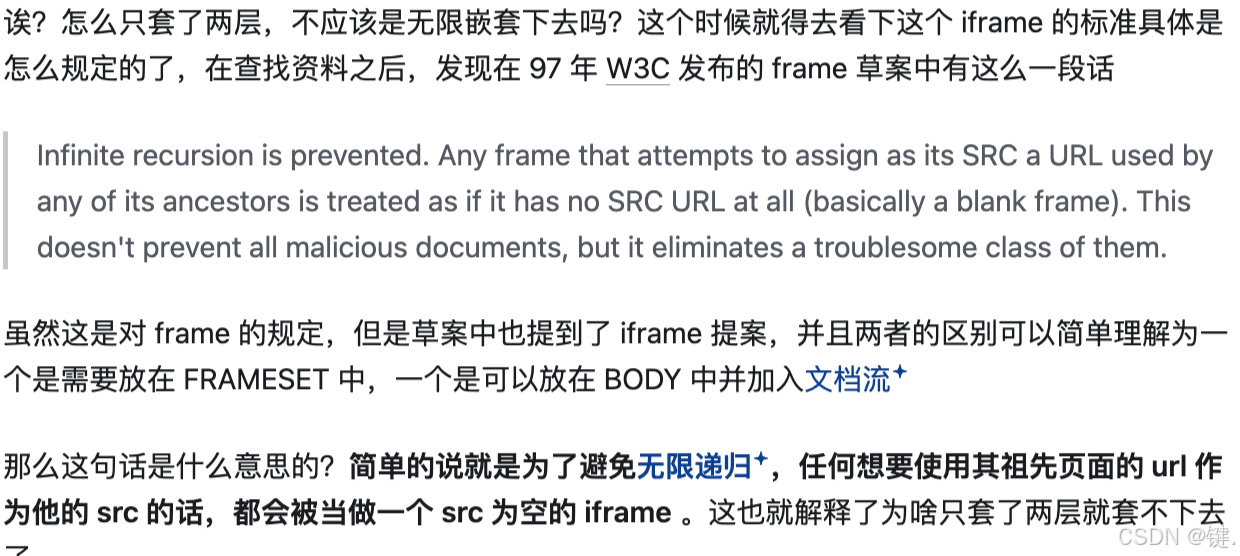
在移动端预览简历的功能中,由于应用层通过一层 iframe 嵌套了该功能,而预览环节又使用了另一个 iframe,导致只有 iOS 系统能够正常显示,安卓系统则不支持。经过查阅大量资料和插件,发现其原理大多基于 iframe 实现。最终确定的转换思路是:将 PDF 下载后转换为图片,再将其绘制到 Canvas 中,从而达到相同的效果。
实现步骤
首先安装 pdfjs 插件,该插件开源且免费。
官网:
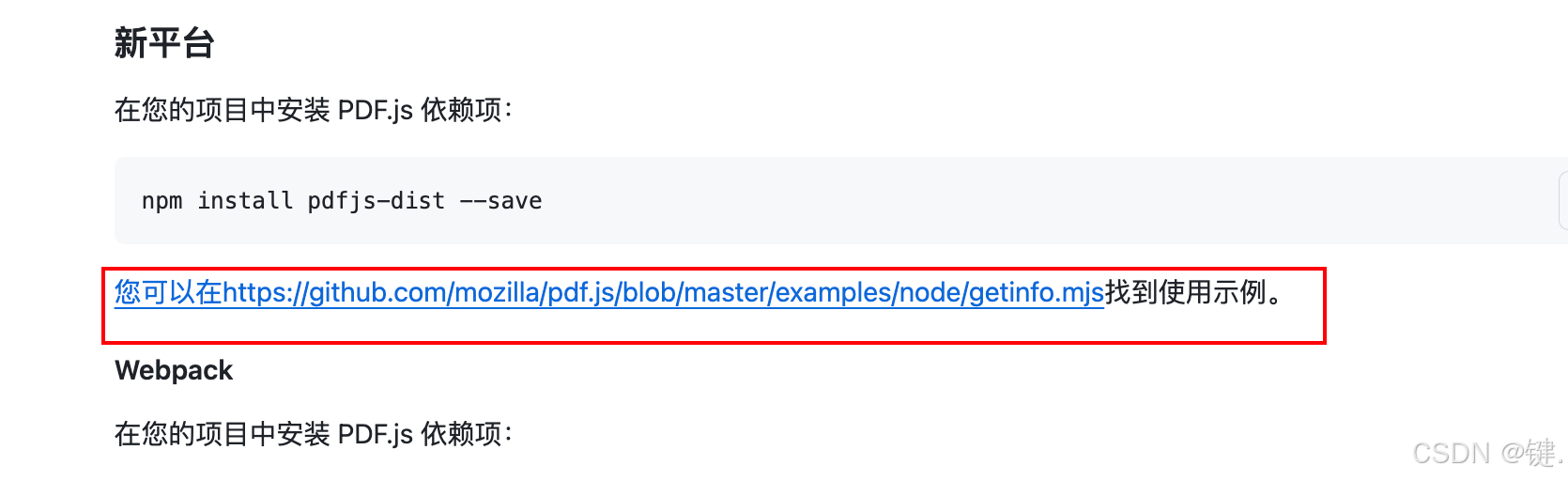
https://github.com/mozilla/pdf.js
在 Vue 或 React 项目中的使用方法可参考:https://github.com/mozilla/pdf.js/wiki/Setup-pdf.js-in-a-website
npm install pdfjs-dist --save
:
完成上述步骤后,项目已具备 80% 的功能,剩余部分主要是将图片绘制到 Canvas 中。
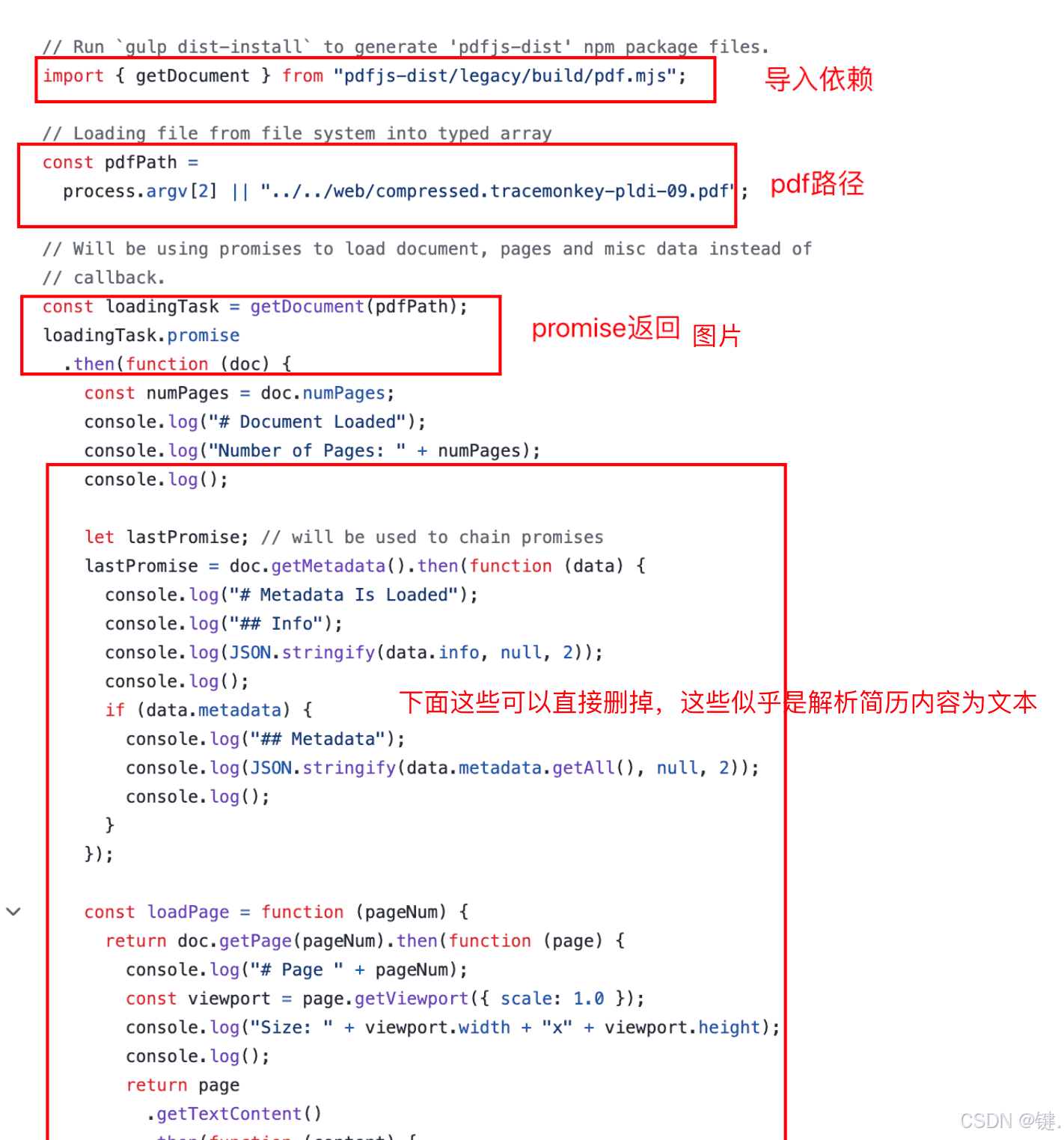
此处直接提供源码。需注意,官方示例中缺少 import 'pdfjs-dist/build/pdf.worker.mjs'; 这一行导入语句,会导致报错。

GitHub 上对此有相关解释:https://github.com/mozilla/pdf.js/issues/10478

<template>
  <div ref="showpdfRef"></div>
</template>

<script setup>
import { ref } from 'vue';
import { getDocument } from 'pdfjs-dist/legacy/build/pdf.mjs';
import 'pdfjs-dist/build/pdf.worker.mjs';

const showpdfRef = ref(null);

const pdfPath ='xxxxxxxx'

const loadingTask = getDocument(pdfPath);
loadingTask.promise
  .then(async (pdf) => {
    const canvas = document.createElement('canvas');
    const context = canvas.getContext('2d');
    // 循环遍历每一页pdf,将其转成图片
    for (let i = 1; i <= pdf._pdfInfo.numPages; i++) {
      // 获取pdf页
      const page = await pdf.getPage(i);
      // 获取页的尺寸
      const viewport = page.getViewport({ scale: 1 });
      // 设置canvas的尺寸
      canvas.width = viewport.width;
      canvas.height = viewport.height;
      // 将pdf页渲染到canvas上
      await page.render({ canvasContext: context, viewport: viewport }).promise;
      // 将canvas转成图片,并添加到页面上
      const img = document.createElement('img');
      img.src = canvas.toDataURL('image/png');
      showpdfRef.value.appendChild(img);
    }

  })
  .then(
    function () {
      console.log('# End of Document');
    },
    function (err) {
      console.error('Error: ' + err);
    },
  );
</script>

<style scoped></style>
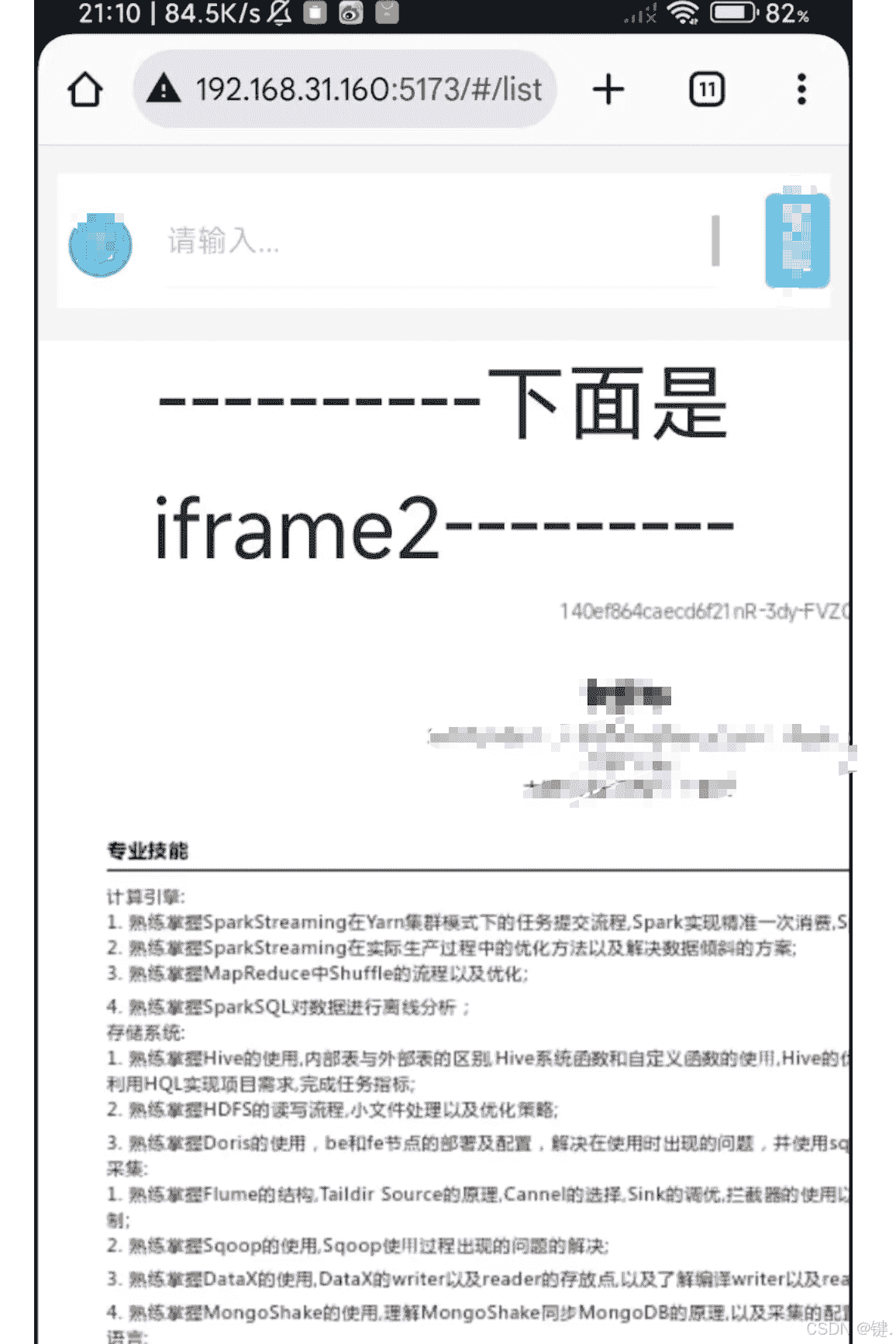
最终效果:
问题
跨域
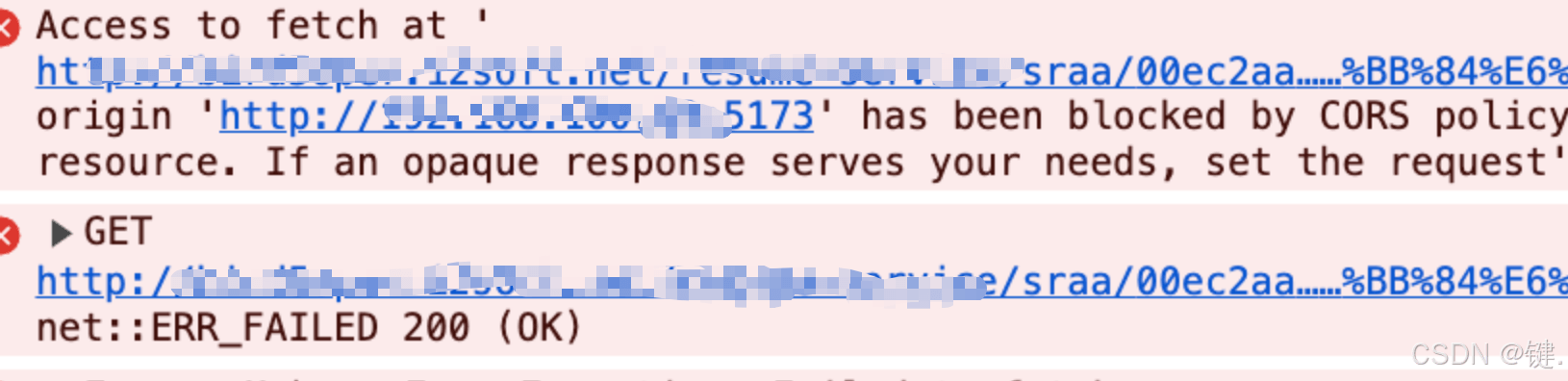
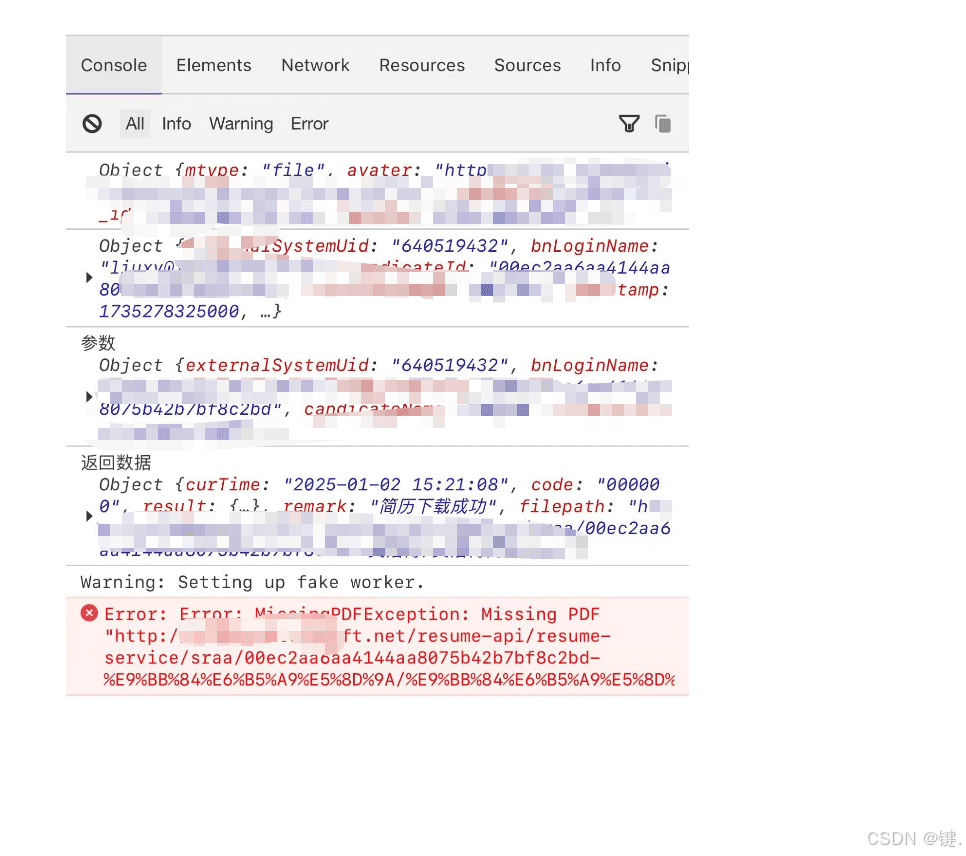
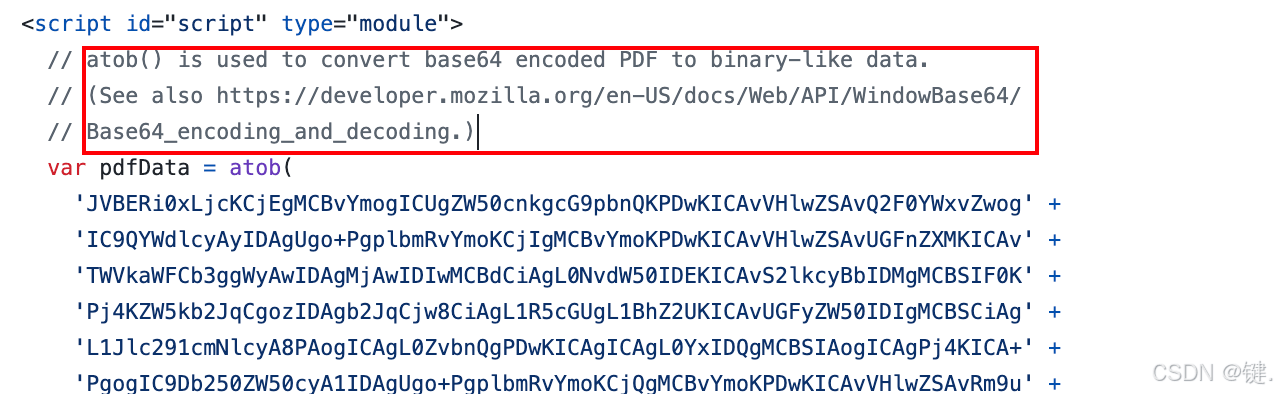
直接将设置了跨域的链接放入 url 可以直接获取 PDF,但当前遇到的跨域问题,尽管后台表示已设置跨域,前端也配置了跨域,请求时依然出现跨域错误。经过多次尝试,该问题仍未解决。由于时间紧迫,采用了备用方案:后台在接口中返回 PDF 的 Base64 格式数据。根据 pdfjs 官方案例,将 Base64 转换为二进制数据即可加载。参考链接:https://github.com/mozilla/pdf.js/blob/master/examples/learning/helloworld64.html
总结
至此,关于纯前端使用 pdfjs 插件将 PDF 转为图片的文章介绍完毕。如需了解更多相关插件 pdfjs 将 PDF 转为图片的内容,请搜索本站以前的文章或继续浏览下面的相关文章。希望大家以后多多支持本站!