

本文详细介绍 JavaScript 中 toUpperCase() 方法的用法。该方法用于将字符串中的所有小写字符转换为大写,并返回新字符串。通过具体代码示例展示了其基本语法与实际效果,同时列举了其他相关字符串格式化方法,帮助开发者掌握字符串处理技巧。
toUpperCase() 方法概述
toUpperCase() 方法的主要功能是将字符串转换为大写形式。
调用该方法后,会生成一个新的字符串对象,其中原字符串的所有小写字母均被替换为对应的大写字母。
该方法的语法结构如下:stringObject.toUpperCase()。接下来通过具体实例进行说明。
以下示例演示了如何将字符串 "Hello world!" 转换为全大写显示。
代码实例与效果演示
<script type="text/javascript">
var str="Hello World!"
document.write(str.toUpperCase())

</script>
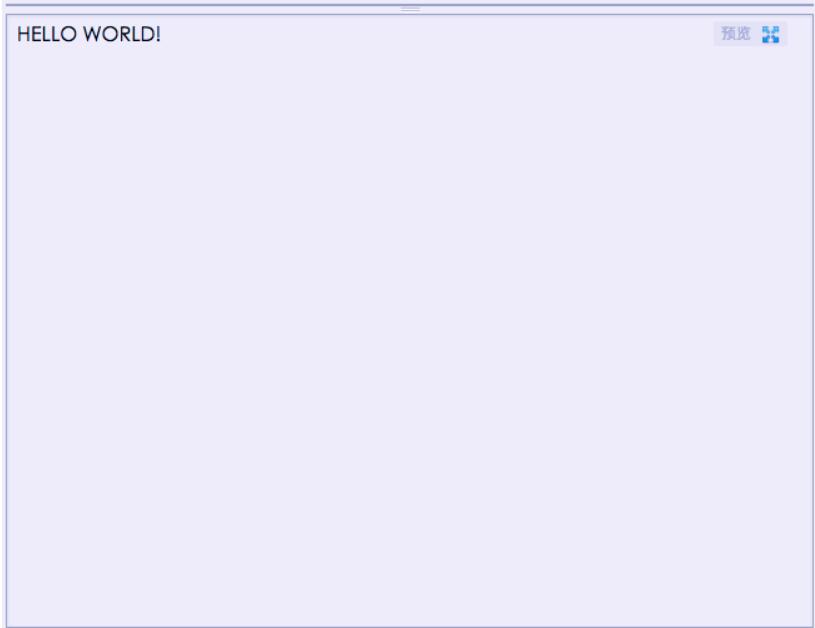
运行上述代码后的实际输出效果如下图所示。
除了 toUpperCase(),JavaScript 还提供了其他几种字符串格式化相关的方法,具体举例如下。
相关字符串格式化方法
<html>
<body>

<script type="text/javascript">

var txt="Hello World!"

document.write("<p>Big: " + txt.big() + "</p>")
document.write("<p>Small: " + txt.small() + "</p>")

document.write("<p>Bold: " + txt.bold() + "</p>")
document.write("<p>Italic: " + txt.italics() + "</p>")

document.write("<p>Blink: " + txt.blink() + " (does not work in IE)</p>")
document.write("<p>Fixed: " + txt.fixed() + "</p>")
document.write("<p>Strike: " + txt.strike() + "</p>")

document.write("<p>Fontcolor: " + txt.fontcolor("Red") + "</p>")
document.write("<p>Fontsize: " + txt.fontsize(16) + "</p>")

document.write("<p>Lowercase: " + txt.toLowerCase() + "</p>")
document.write("<p>Uppercase: " + txt.toUpperCase() + "</p>")

document.write("<p>Subscript: " + txt.sub() + "</p>")
document.write("<p>Superscript: " + txt.sup() + "</p>")

document.write("<p>Link: " + txt.link(https://www.jb51.net) + "</p>")
</script>

</body>
</html>
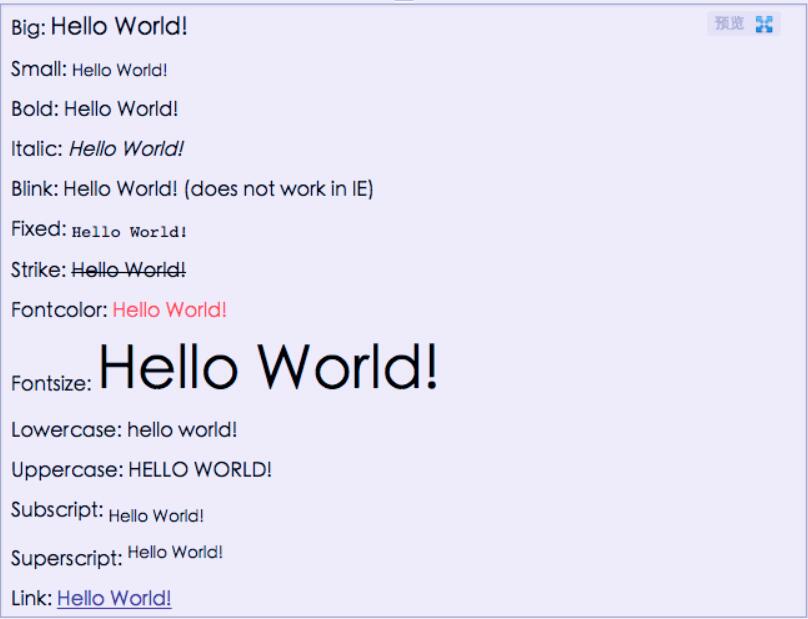
这些相关方法的运行效果展示如下。
以上内容涵盖了 toUpperCase() 方法的核心用法及相关示例,希望对读者学习 JavaScript 字符串处理有所帮助,欢迎持续关注本站获取更多技术分享。