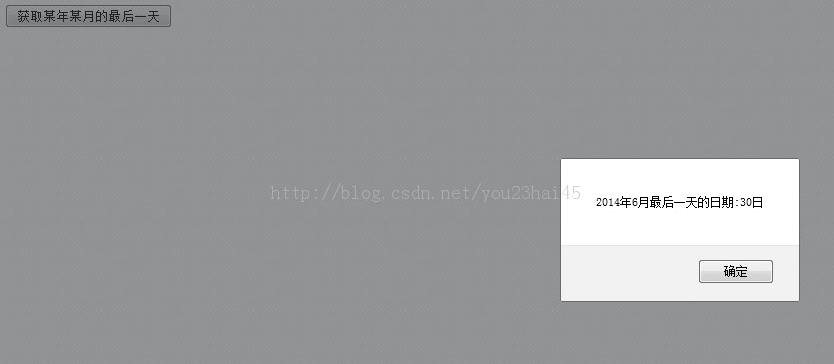
本文介绍如何使用JavaScript编写函数,通过Date对象计算并返回指定年份和月份的最后一天日期。示例包含完整的HTML交互代码及运行结果截图,适用于前端日期验证场景。
JavaScript获取指定年月最后一天的实现方法
首先查看具体的实现代码。
<!DOCTYPE html>
<!--
To change this license header, choose License Headers in Project Properties.
To change this template file, choose Tools | Templates
and open the template in the editor.
-->
<html>
<head>
<title>JavaScript获取某年某月的最后一天</title>
<meta charset="UTF-8">
<meta name="viewport" content="width=device-width">
<script type="text/javascript">
/**
* 获取某年某月的最后一天
*/
function getLastDayOfMonth(year,month)
{
//获取本年本月的第一天日期
var date = new Date(year,month-1,'01');
//设置日期
date.setDate(1);
//设置月份
date.setMonth(date.getMonth() + 1);
//获取本月的最后一天
cdate = new Date(date.getTime() - 1000*60*60*24);
//打印某年某月的最后一天
alert(cdate.getFullYear()+"年"+(Number(cdate.getMonth())+1)+"月最后一天的日期:"+cdate.getDate()+"日");
//返回结果
return cdate.getDate();
}
</script>
</head>
<body>
<input type="button" value="获取某年某月的最后一天" onclick="getLastDayOfMonth(2014,6)"/>
</body>
</html>
接下来展示实际的运行效果。