

本文介绍如何使用JavaScript实现一个滑稽笑脸的动态运动效果。通过操作DOM元素的位置和样式,结合定时器或动画函数,使笑脸在页面中产生预期的运动轨迹。文章包含完整代码示例及关键步骤解析,帮助开发者快速掌握基础动画实现技巧。
滑稽笑脸运动效果实现
效果演示如下:
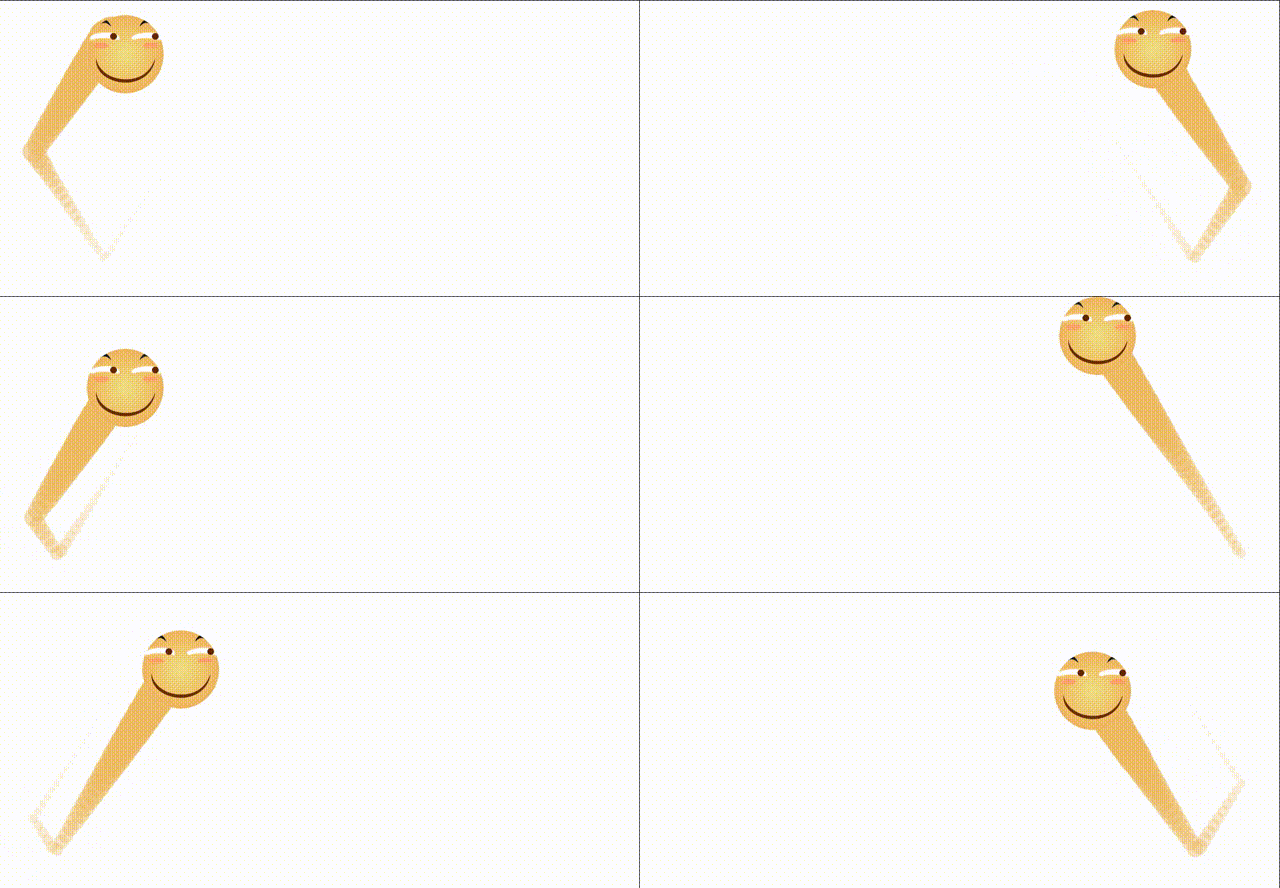
(实现该效果的过程颇具挑战性,代码逻辑较为复杂。)
具体实现代码如下:
<!DOCTYPE html>
<html lang="en">
<head>
  <meta charset="UTF-8">
  <title>滑稽笑脸运动</title>
  <meta name="author" content="marinerzp">
  <style>
    *{padding: 0;margin: 0;}
    html,body{
      width: 100%;
      height: 100%;
    }
    #main{
      width: 100px;
      height: 100px;
      border-radius: 50%;
      background:url(images/1.jpg) 0 0/100px 100px;
      position: absolute;
      left: 0;
      top: 0;
      z-index: 3;
    }
    .show{
      width: 50px;
      height: 50px;
      border-radius: 50%;
      background-color: rgb(239, 187, 101);
      position: absolute;
      animation: disappear 1.2s ;
      animation-fill-mode: forwards;

    }
    @keyframes disappear{
      0%{
        opacity: 1;
        transform:scale(1);
      }
      100%{
        opacity: 0;
        transform:scale(0);
      }
    }
  </style>
</head>
<body>
  <div id="main">
  </div>

  <script>
    let Omain=document.querySelector('#main');
    let MaxLeft=window.innerWidth-Omain.offsetWidth;
    let MaxTop=window.innerHeight-Omain.offsetHeight;

    window.οnresize=function(){//监听窗口大小改变事件
      MaxLeft=window.innerWidth-Omain.offsetWidth;
      MaxTop=window.innerHeight-Omain.offsetHeight;
    };
    /*
      水平方向上:以向右为正方向
      竖直方向上:以向下为正方向
    */
    let Vx=6;//3px/s
    let Vy=9;//4px/s
    let X=0,Y=0;
    ~~function move(){
      X+=Vx;
      Y+=Vy;
      if (Y>=MaxTop) {
        Y=MaxTop;
        Vy=-Vy;
      }
      if (Y<=0) {
        Y=0;
        Vy=-Vy;
      }
      if (X>=MaxLeft) {
        X=MaxLeft;
        Vx=-Vx;
      }
      if (X<=0) {
        X=0;
        Vx=-Vx;
      }
      Omain.style.left=`${X}px`;
      Omain.style.top=`${Y}px`;

      createTail(X,Y);//生成拖尾
      requestAnimationFrame(move);
    }();
    function createTail(X,Y){
      let node=document.createElement('p');
      node.classList.add('show');
      node.style.cssText=`left:${X+20}px;top:${Y+20}px`;
      document.body.appendChild(node);
      setTimeout(()=>{
        document.body.removeChild(node);
        node=null;
      },1200);
    }


  </script>
</body>
</html>
要点总结
本文关于JavaScript实现滑稽笑脸运动效果的教程到此结束。如需了解更多相关JS动画内容,建议查阅本站历史文章或浏览下方推荐的相关教程,感谢大家的支持!