

本文详细解析了前端在微信H5公众号中实现授权登录的完整流程。重点介绍了如何配置网页授权域名、构造包含redirect_uri和scope参数的授权链接,并通过中间页接收微信返回的code。文章提供了本地与线上环境分离调试的代码示例,以及基于缓存判断避免重复跳转的优化策略,帮助开发者高效完成微信授权集成。
一、公众号配置
首要条件是拥有一个微信服务号
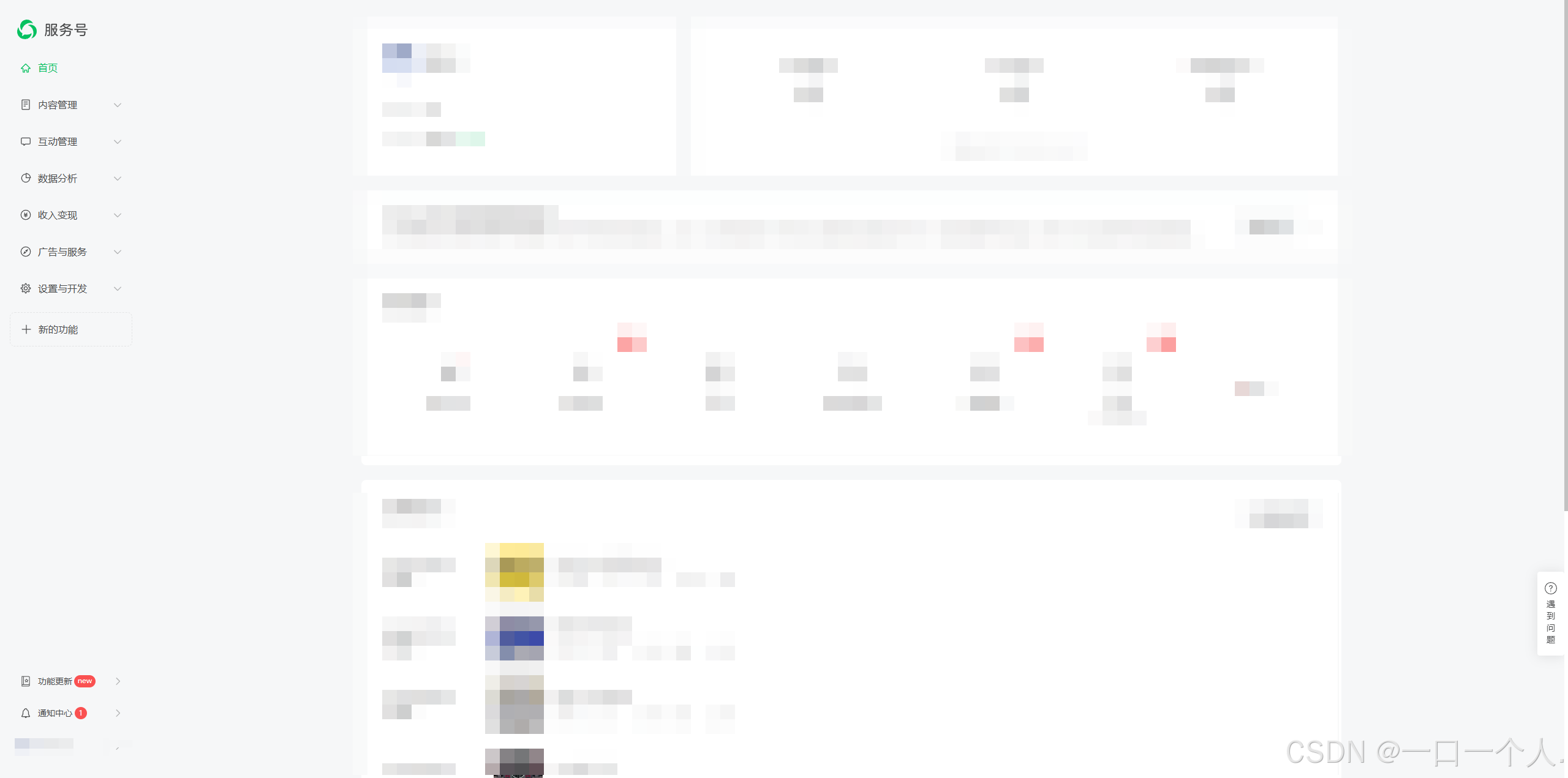
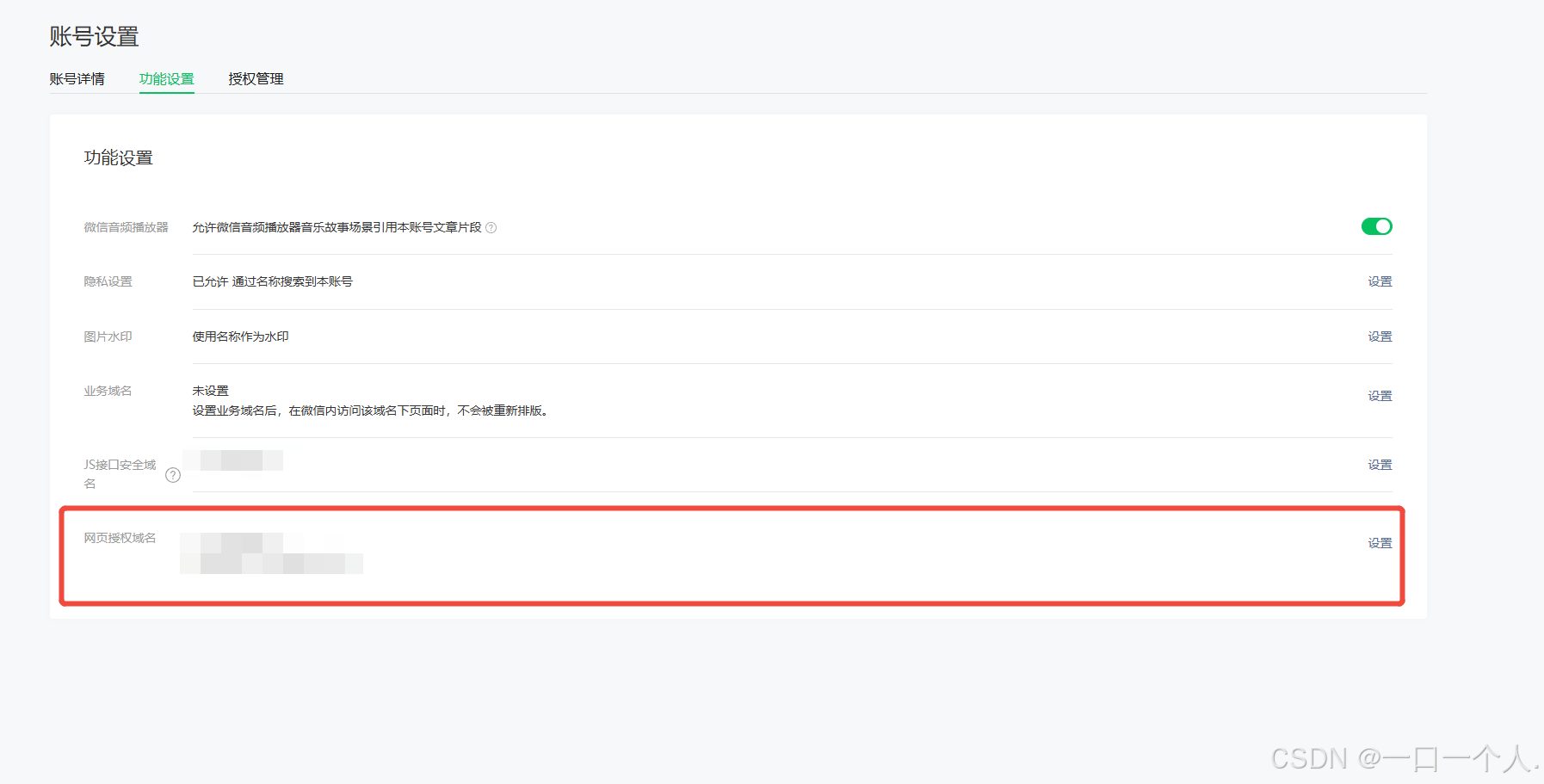
账号主体需具备公众号开发者权限
必须在后台配置网页授权域名,即H5正式域名,上线时必需
二、重定向Code机制
为便于调试,线上环境与本地环境需分开处理
前端代码需据此进行逻辑判断
参考微信官方文档:网页授权
查阅微信网页授权开发文档,重定向登录本质为微信授权流程
需跳转至指定授权链接
https://open.weixin.qq.com/connect/oauth2/authorize?appid=${appId.value}&redirect_uri=${local}&response_type=code&connect_redirect=1&scope=snsapi_userinfo&state=STATE#wechat_redirect其中LOCAL变量代表微信回调地址,需填写希望微信跳转回到的页面地址
该LOCAL变量必须进行URL编码
  let local = `http://h5.liangpiao.net.cn/cdx2.html`; // 获取页面url

  if (window.location.origin.indexOf("192.168.110.71") !== -1) {
    local = `http://h5.liangpiao.net.cn/cdx1.html`; // 获取页面url

  //  地址转码
  local = encodeURIComponent(local);

  //  获取 code 地址
  let url = `https://open.weixin.qq.com/connect/oauth2/authorize?appid=${appId.value}&redirect_uri=${local}&response_type=code&connect_redirect=1&scope=snsapi_userinfo&state=STATE#wechat_redirect`;

  window.location.href = url;
参考上述代码实现
代码包含两个HTML文件,分别对应本地地址与线上地址
此配置即为重定向目标地址
<!DOCTYPE html>
<html lang="zh">
	<head>
		<meta charset="UTF-8" />
		<meta http-equiv="X-UA-Compatible" content="IE=edge" />
		<meta name="viewport" content="width=device-width, initial-scale=1.0" />
		<title>Document</title>
	</head>
	<body></body>
</html>
<script>
	window.onload = function() {
		window.location.href = `http://192.168.110.71:5173/#/pages/login/index/${location.search}`;
	};
</script>
该HTML文件内容仅包含一段JavaScript脚本
跳转目标为
http://192.168.110.71:5173/#/pages/login/index/${location.search}
该页面用于接收微信重定向,/后的location.search参数为必填项,用于接收包含code参数的查询字符串
此链接为本地调试链接
正式上线需将本地IP替换为线上正式地址,为兼顾调试便利,可同时保留两者配置
三、开发应用
首先编写一个处理函数
	const getCode = () => {
		let local = `http://xxxxx/cdx2.html`; // 获取页面url 线上


		if (window.location.origin.indexOf("192.168.110.71") !== -1) {
			local = `http://xxxxx/cdx1.html`; // 获取页面url  本地
		}

		//  地址转码
		local = encodeURIComponent(local);

		//  获取 code 地址
		let url =
			`https://open.weixin.qq.com/connect/oauth2/authorize?appid=${appId.value}&redirect_uri=${local}&response_type=code&connect_redirect=1&scope=snsapi_userinfo&state=STATE#wechat_redirect`;

		window.location.href = url;
		// Taro.hideLoading();
	};
	//用户重定向登录
	const getUserInfo = async (option) => {
		let code = option.code;
		let userInfo = uni.getStorageSync("userInfo") ?
			uni.getStorageSync("userInfo") :
			null;

		if (userInfo) {
			userInfo = await userApi
				.userInfo({
					userId: userInfo.id
				})
				.then((res : any) => res.data);
			// if (!userInfo) {
			// 	Taro.removeStorageSync("userInfo");
			// }
		} else if (code) {
			const openId = await userApi
				.EmitCodeByH5({
					code
				})
				.then((res : any) => res.data);

			openid.value = openId;
			uni.setStorageSync("openid", openId);
			const UserInfoRes = await userApi
				.Login({
					userName: openId
				})
				.then((res : any) => res);
			if (UserInfoRes.state === 200) {
				userInfo = UserInfoRes.data;
				uni.setStorageSync("userInfo", UserInfoRes.data);
				userInfo.value = UserInfoRes.data;
				userStore.setUserinfo(UserInfoRes.data);
				userStore.setToken(UserInfoRes["token"]);
			} else if (UserInfoRes.state === 202) {
				return

			}
		}
		// 如果 userInfo 为空 代表 本地 没有 缓存数据 且 code 不存在 获取失效  重新获取code
		if (!userInfo) {
			getCode();
			return;
		} else {

		}
	};
需根据缓存状态进行判断,利用微信缓存机制进行开发,以避免频繁重定向影响用户体验
必须做好判断逻辑,否则会导致重定向死循环
总结
本文介绍了前端微信H5公众号授权登录的实现方法,更多相关内容请搜索本站历史文章或浏览相关文章,感谢支持!