

本文介绍在基于Vue和Express的社区项目中,当用户未填写用户名时,后端如何自动生成随机用户名。通过Node.js模块导出random函数,结合固定前缀与随机字符生成逻辑,确保数据入库时username字段完整。
JavaScript随机生成用户名的实现方式
近期在搭建一个社区平台,前端技术栈采用Vue配合Ant Design,后端则使用Express结合MongoDB数据库。
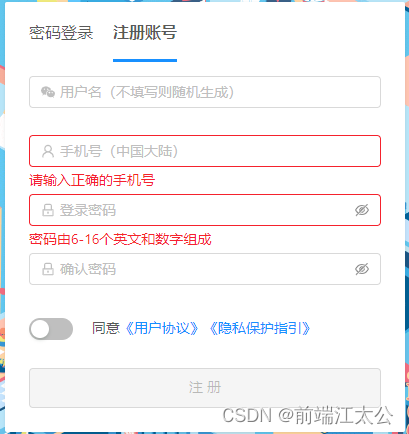
在用户注册流程中,若前端未提供用户名,后端需负责随机生成一个。
核心方法函数
randomUser.js
// 第一个参数为你想生成的固定的文字开头比如: 微信用户xxxxx
// 第二个为你想生成出固定开头文字外的随机长度
function random(prefix, randomLength) {
    // 兼容更低版本的默认值写法
    prefix === undefined ? prefix = "" : prefix;
    randomLength === undefined ? randomLength = 8 : randomLength;

    // 设置随机用户名
    // 用户名随机词典数组
    let nameArr = [
        [1, 2, 3, 4, 5, 6, 7, 8, 9, 0],
        ["a", "b", "c", "d", "e", "f", "g", "h", "i", "g", "k", "l", "m", "n", "o", "p", "q", "r", "s", "t", "u", "v", "w", "x", "y", "z"]
    ]
    // 随机名字字符串
    let name = prefix;
    // 循环遍历从用户词典中随机抽出一个
    for (var i = 0; i < randomLength; i++) {
        // 随机生成index
        let index = Math.floor(Math.random() * 2);
        let zm = nameArr[index][Math.floor(Math.random() * nameArr[index].length)];
        // 如果随机出的是英文字母
        if (index === 1) {
            // 则百分之50的概率变为大写
            if (Math.floor(Math.random() * 2) === 1) {
                zm = zm.toUpperCase();
            }
        }
        // 拼接进名字变量中
        name += zm;
    }
    // 将随机生成的名字返回
    return name;
}
module.exports = random
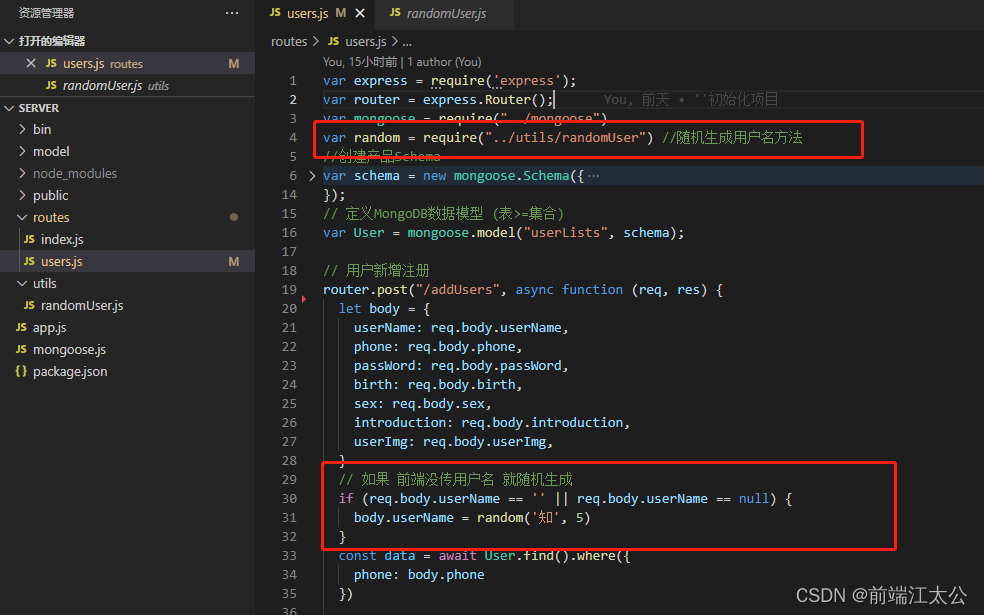
由于数据需要存入数据库,该功能实现于后端,通过module模块导出,并使用require()函数加载模块。
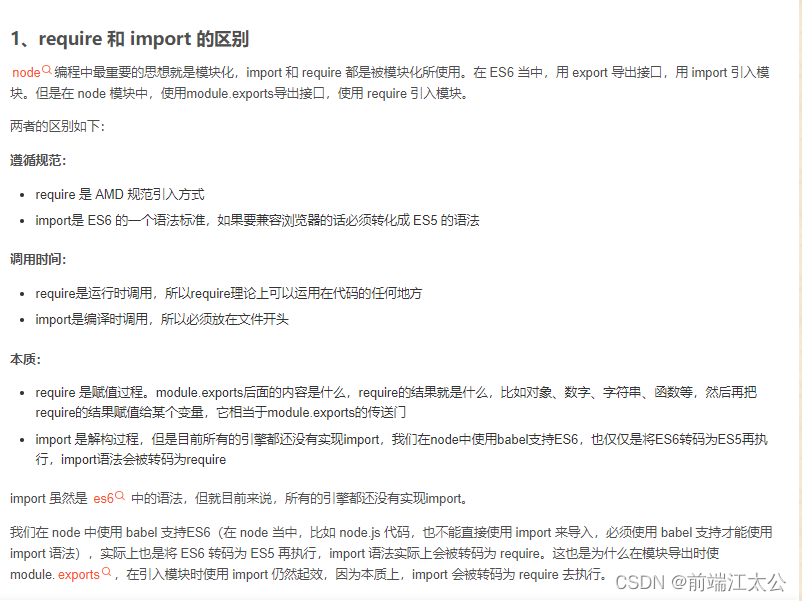
若需在前端使用,建议采用export导出,import导入的方式。
关于两者的具体区别,可查阅相关文档,此处仅做简要说明。
接口测试验证
手机号为随意填写,具体归属用户身份暂不明确。
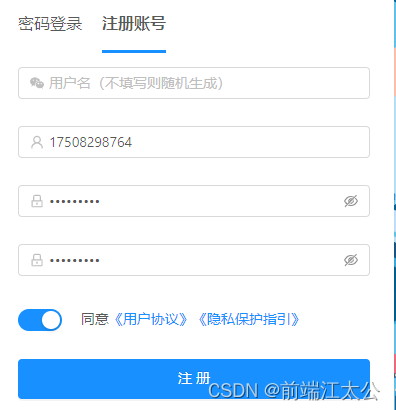
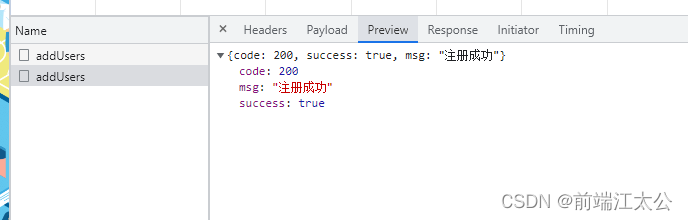
接口调用返回成功状态。
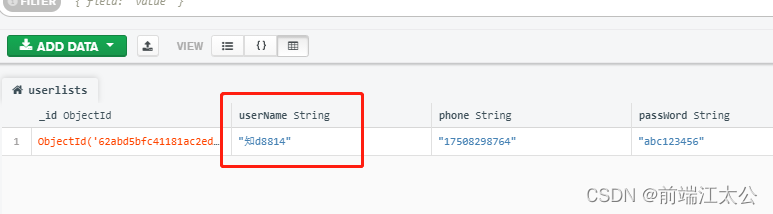
检查数据库,数据写入正常,username字段确认为随机生成结果。
总结
以上为个人实践经验,旨在提供参考,欢迎支持本站。